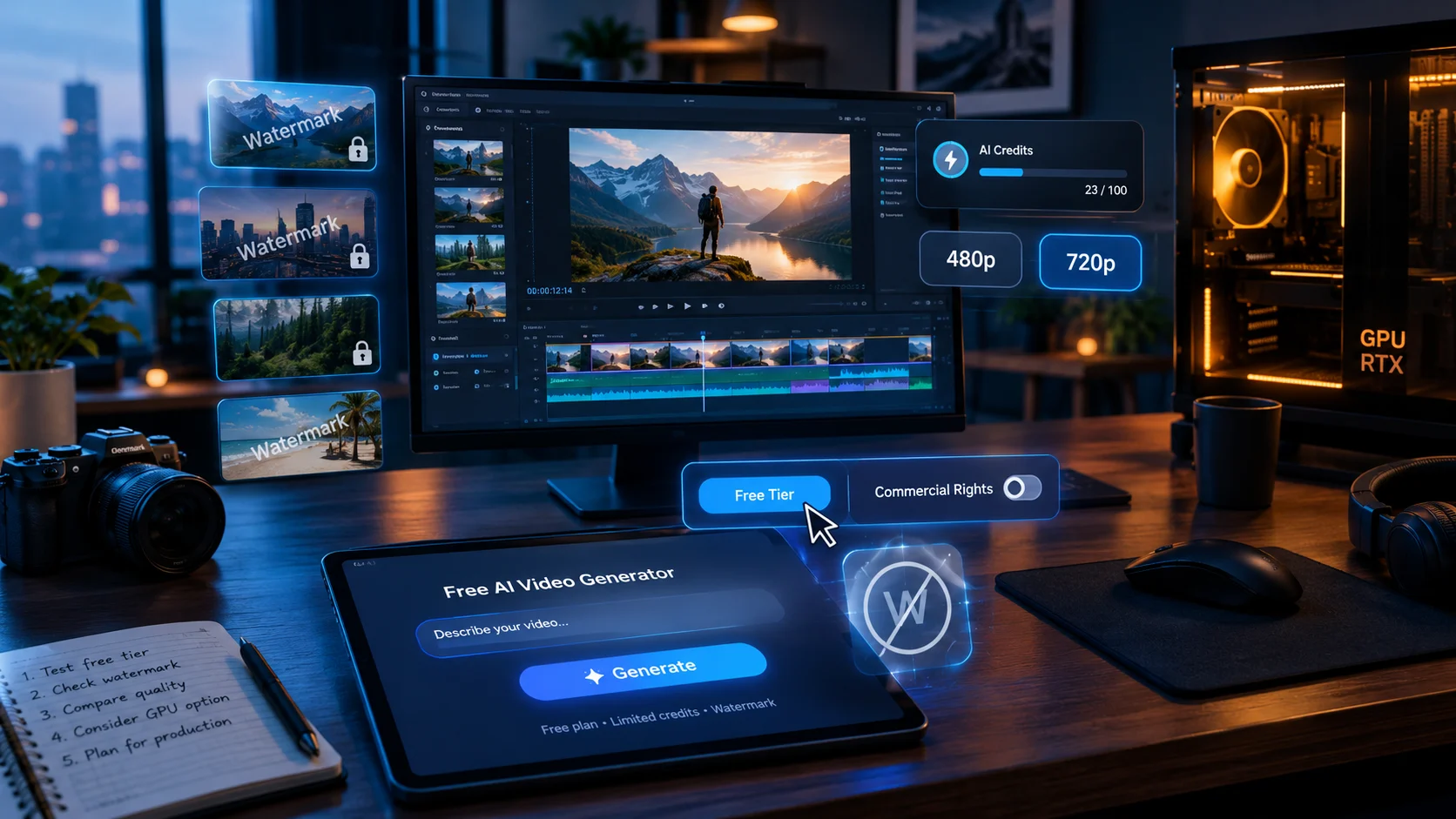
A free AI video generator lets you create short AI clips without paying, but every free tier caps output through credits, resolution, watermarks, or commercial-use restrictions. The most usable free options in 2026 are Pika for monthly credits, Kling for image-to-video quality, and open-source models like Wan 2.2 if you have your own GPU.
At-a-Glance Box
- Free is never unlimited. Every hosted free tier caps credits, resolution, duration, or commercial rights. No platform removes all four at once .
- Pika gives 80 monthly credits at 480p, enough for roughly six to seven short clips before the monthly reset .
- Kling offers 66 daily credits, but newer models consume them fast, leaving about one practical image-to-video generation per day .
- Runway’s free plan is a one-time 125-credit trial, not a renewable tier, and failed generations still consume credits .
- Open-source Wan 2.2 is the only structurally free path for watermark-free output, but it requires GPU hardware or cloud rental .
- Commercial use is almost always locked behind paid plans on hosted free tiers. Check the license, not just the export button .
Main Article
What “Free” Actually Means for AI Video in 2026
The search phrase free ai video generator carries a quiet assumption: that free means usable. In practice, it means sampled. Every hosted platform gives you a metered taste of the model, not a smaller version of the product .
The distinction matters because AI video generation is computationally expensive. A single five-second clip consumes real GPU time on the provider’s side. Free credits exist so you can evaluate motion quality and prompt adherence before you pay. They are not sized for production .
Three different products hide behind the word “free” today. A free trial is a one-time credit grant. A free tier refreshes on a schedule. Permanent free means you run the weights on your own hardware . Treating these as interchangeable is the fastest way to waste an afternoon.
The Free AI Video Generator Landscape at a Glance
The table below compares the most relevant free paths as of late 2026. Details shift frequently, so verify current terms before committing a workflow.
How Free AI Video Generators Actually Work
Every hosted platform follows the same economic pattern. You receive a credit allowance. Each generation consumes credits based on resolution, duration, and model. When credits run out, you wait for the next reset or upgrade.
The caps bite in a predictable order :
- Credit allotments stop iteration. AI video is iterative. You rarely keep the first generation. A free allocation that covers six attempts buys roughly one usable shot.
- Clip length caps stop sequences. Free outputs typically run four to ten seconds. That is a moment, not a scene.
- Resolution caps stop delivery. 480p and 720p are fine for feed previews. They fall apart on larger screens or client delivery.
- Watermarks stop publishing. A provider watermark on every frame cannot represent a brand or portfolio piece.
Prompt quality is not on that list. The model you use on a free tier is the same model paid users access. The limits are economic, not creative .
Pika: The Most Accessible Monthly Free Tier
Pika’s Basic plan costs nothing and provides 80 video credits per month. The free tier runs the Pika 2.5 model at 480p resolution. A typical five-second clip consumes around 12 credits, which means the monthly allowance covers roughly six to seven generations .
The resolution ceiling is the real constraint. For TikTok and Reels, 480p survives platform compression reasonably well. For desktop viewing or YouTube uploads, the softness becomes obvious .
Commercial rights are limited on the free plan. Pika’s current plan cards mark commercial use and watermark-free downloads as unavailable on Basic and Standard tiers . If the output is meant for a client or a monetized channel, the free tier is a sandbox, not a pipeline.
Who it suits: Creators testing short-form concepts who need a zero-cost entry point and can tolerate a watermark.
Kling: Strong Motion, Tight Daily Cap
Kling’s free tier offers 66 credits per day, resetting every 24 hours without rollover. The image-to-video quality stands out, particularly on portraits and product shots where motion coherence matters .
The practical ceiling arrives quickly. Newer Kling models consume credits at a rate that leaves roughly one to two professional-mode generations per day. A ten-second clip in Professional mode costs approximately 35 credits . Plan the prompt before spending.
Free output is watermarked and restricted to non-commercial use. Commercial rights begin at the Standard paid plan .
Who it suits: Hobbyists and evaluators who want to test image-to-video quality without paying, and who can work within a one-generation-per-day rhythm.
Runway: A Trial, Not a Tier
Runway’s free plan provides 125 one-time credits. They do not renew. At Gen-4.5’s rate of 12 credits per second, that allocation covers roughly ten seconds of video, once .
Two details matter for anyone treating this as a free generator. First, the credits are a trial grant, not a monthly allowance . Second, failed generations still consume credits. Runway’s terms treat consumed credits as non-refundable, and reviewers have noted that prompts which miss still bill .
The free output carries a Runway watermark. Use it to evaluate whether Gen-4 Turbo or Gen-4.5 quality justifies a paid plan, not to produce publishable work.
Who it suits: Users comparing model quality before choosing a paid subscription.
Luma Dream Machine: Cinematic Flavor, Limited Volume
Luma’s free web plan offers limited monthly credits with 720p image generation, draft-resolution video, lower-priority processing, and watermarks. Commercial use is not permitted . The iOS free plan is more concrete at 250 monthly credits, but the web experience remains constrained .
Luma’s output leans cinematic. Slow atmospheric scenes and moody lighting are its strength. The credit math, however, makes sustained use difficult. With roughly 30 generations per month on the free tier, it functions as a demonstration rather than a workspace .
Who it suits: Creators exploring cinematic motion who want to test Luma’s aesthetic before upgrading.
The Open-Source Path: Truly Free, With a Hardware Bill
The only category where free and watermark-free coexist structurally is open-source models you run yourself. No platform adds anything to your output because no platform is involved .
Three models matter as of late 2026:
- Wan 2.2 from Alibaba’s Tongyi Lab. Apache 2.0 license. 720p at 24fps. The smallest variant fits on 8GB of VRAM. It is the most cited open baseline for consumer-hardware quality .
- HunyuanVideo 1.5 from Tencent. Strong temporal coherence, but released under a Tencent Community License with commercial conditions that require reading .
- LTX-Video / LTX-2 from Lightricks. Apache 2.0 for companies under $10M ARR. Among the fastest open models for iteration .
The trade is not quality. It is setup time and hardware. An RTX 4090 runs Wan 2.2 at 720p in under ten minutes per clip. A cloud GPU rental on RunPod or Lambda costs roughly $0.50 to $2 per hour . Neither is zero, but neither requires a platform’s permission.
Who it suits: Developers and technical teams who need clean, unrestricted output and can manage infrastructure.
What the Free Tiers Hide About Commercial Use
The most consequential limitation on free AI video generators is not resolution or credits. It is the license.
Most hosted free tiers prohibit commercial use outright. Pika’s Basic plan does not include commercial rights . Kling’s free tier is explicitly personal and non-commercial . Luma’s free plan prohibits commercial use and watermarks all exports . Runway’s free output carries a watermark .
A watermark is visible. A license restriction is not. A clean export from a trial credit does not grant commercial rights. The terms govern usage regardless of what the file looks like .
If the video will represent a business, a client, or a monetized channel, the free tier is almost certainly the wrong tool. Verify the license before the export.
The Credit Math Nobody Shows You
Free tiers look generous until you run the iteration math. AI video is an iterative medium. Documented productions average around three generations per usable shot . A free allocation covering six generations buys roughly two usable shots, if you are efficient.
Pika’s 80 monthly credits sound substantial. At 12 credits per five-second 480p clip, they cover six to seven attempts, once per month . Kling’s 66 daily credits sound better until the newer models consume them in one or two professional generations . Runway’s 125 credits sound like a real trial until you realize they buy ten seconds of Gen-4.5 and never refresh .
The gap between “free generated me a video” and “free can make my video” is iteration budget. Free tiers are sized for evaluation, not output.
When Free Is Genuinely Enough
There are jobs where paying is unnecessary, and the free tier is the right tool.
Model evaluation. You want to see how Kling handles character motion versus how Runway handles camera movement. A few free generations per model answer that question with your own prompts .
One short social clip. If the deliverable is a single five-to-ten-second vertical video, the watermark is tolerable, and 480p or 720p survives platform compression, a free tier can carry the job .
Prompt and style testing. Before committing budget to a project, free generations validate that your written direction lands on screen.
Motion previews of stills. If you already have a strong image, a free image-to-video generation tells you whether the model understands the subject before you pay for a longer run.
Privacy, Provenance, and What “Clean” Really Means
A watermark-free export is not the same as an untracked file. Google’s Veo, available through limited free generations in AI Studio, embeds SynthID, an invisible provenance signal, even when the output looks clean . C2PA metadata may travel with files generated through paid APIs even without a visible logo.
On the privacy side, free tiers rarely offer the data-handling guarantees of paid plans. Enterprise features like Zero Data Retention and SOC 2 compliance are paid-tier or contract-level commitments. Free accounts should not be assumed to carry the same protections. If the footage involves sensitive material, review the platform’s data policy before uploading.
Common Mistakes That Waste Free Credits
- Testing with final-quality expectations. Free tiers run the same models, but at capped resolution and duration. Use them to evaluate motion and prompt adherence, not to judge final polish.
- Ignoring the license. A clean export from a trial credit does not grant commercial rights. Read the terms before using the output anywhere public.
- Iterating without a plan. Free credits disappear fast. Write the prompt, prepare the source image, and decide what “good enough” looks like before spending.
- Assuming credits roll over. Most free allocations reset without rollover. Kling’s daily credits expire in 24 hours . Pika’s monthly credits do not accumulate .
- Forgetting that failed generations cost credits. On Runway, consumed credits are non-refundable regardless of output quality .
Who Should Use a Free AI Video Generator?
Creators testing concepts should use Pika or Kling to validate ideas before paying. Developers evaluating models should run a handful of prompts through Runway or Luma to compare motion quality. Technical teams with GPU access should skip hosted tiers entirely and run Wan 2.2 for unrestricted, watermark-free output .
Marketers and businesses should treat free tiers as evaluation tools only. Commercial use is restricted on nearly every hosted free plan, and the license risk outweighs the credit savings.
Anyone with a deadline should not rely on a free tier. One generation per day is not a production schedule.
Latest Developments and What to Watch
The open-source tier is moving fastest. Wan 2.2’s Apache 2.0 release gave developers a genuinely unrestricted baseline, and LTX-2’s speed improvements make local iteration more practical . Consumer GPU requirements are falling, with the smallest Wan variant fitting on 8GB of VRAM.
On the hosted side, the trend is toward tighter free tiers, not looser ones. Kling’s practical daily yield has shrunk as newer models consume more credits per generation . Runway’s free plan remains a one-time trial rather than a renewable tier . Watermark policies fluctuate, and reports of unwatermarked free outputs have been inconsistent .
The practical takeaway: if unrestricted output matters, the open-source path is the only one that does not depend on a platform’s changing generosity.
FAQs
Is there a truly free AI video generator with no watermark?
The only structurally watermark-free free option is running an open-source model like Wan 2.2 on your own hardware. Hosted free tiers may temporarily produce clean output, but their policies change and commercial rights are usually restricted. Trial credits from Runway or Kling can produce unwatermarked clips until the credits expire .
Can I use videos from a free AI video generator commercially?
Almost never on hosted free tiers. Pika’s Basic plan, Kling’s free tier, and Luma’s free plan all prohibit commercial use. Open-source models like Wan 2.2 under Apache 2.0 allow commercial use, but you bear the hardware cost .
Which free AI video generator gives the most credits?
Pika offers 80 monthly credits, which covers roughly six to seven short clips. Kling gives 66 daily credits, but newer models consume them in one or two professional generations. Runway’s 125 credits are a one-time trial, not a renewable allowance .
How long are free AI video clips?
Most free tiers cap output at four to ten seconds. Resolution is typically 480p or 720p, and watermarks are common. Longer clips and higher resolution require a paid plan .
What is the best free AI video generator for image-to-video?
Kling’s free tier produces notably strong motion on portraits and product shots, but the daily credit allowance limits you to roughly one to two professional generations per day. Pika also offers image-to-video on its free plan at 480p .
Conclusion
A free ai video generator is a real thing, but it is an evaluation tool, not a production pipeline. Every hosted free tier caps what you can do, whether through credits, resolution, watermarks, or commercial-use restrictions. Pika gives the most accessible monthly allowance for short-form experiments. Kling offers the best image-to-video motion within a tight daily limit. Runway provides a quality preview, not a renewable tier.
For anyone who needs clean, unrestricted output, the open-source path through Wan 2.2 is the only structurally free option. It requires hardware or cloud rental, but it removes the license uncertainty that hosted free tiers carry.
Before choosing any free tool, evaluate the license, the watermark policy, the credit consumption rate, and the reset schedule. Free credits are easy to spend and hard to stretch. Plan the prompt, check the terms, and decide whether the free tier answers your question or simply delays the decision to pay.