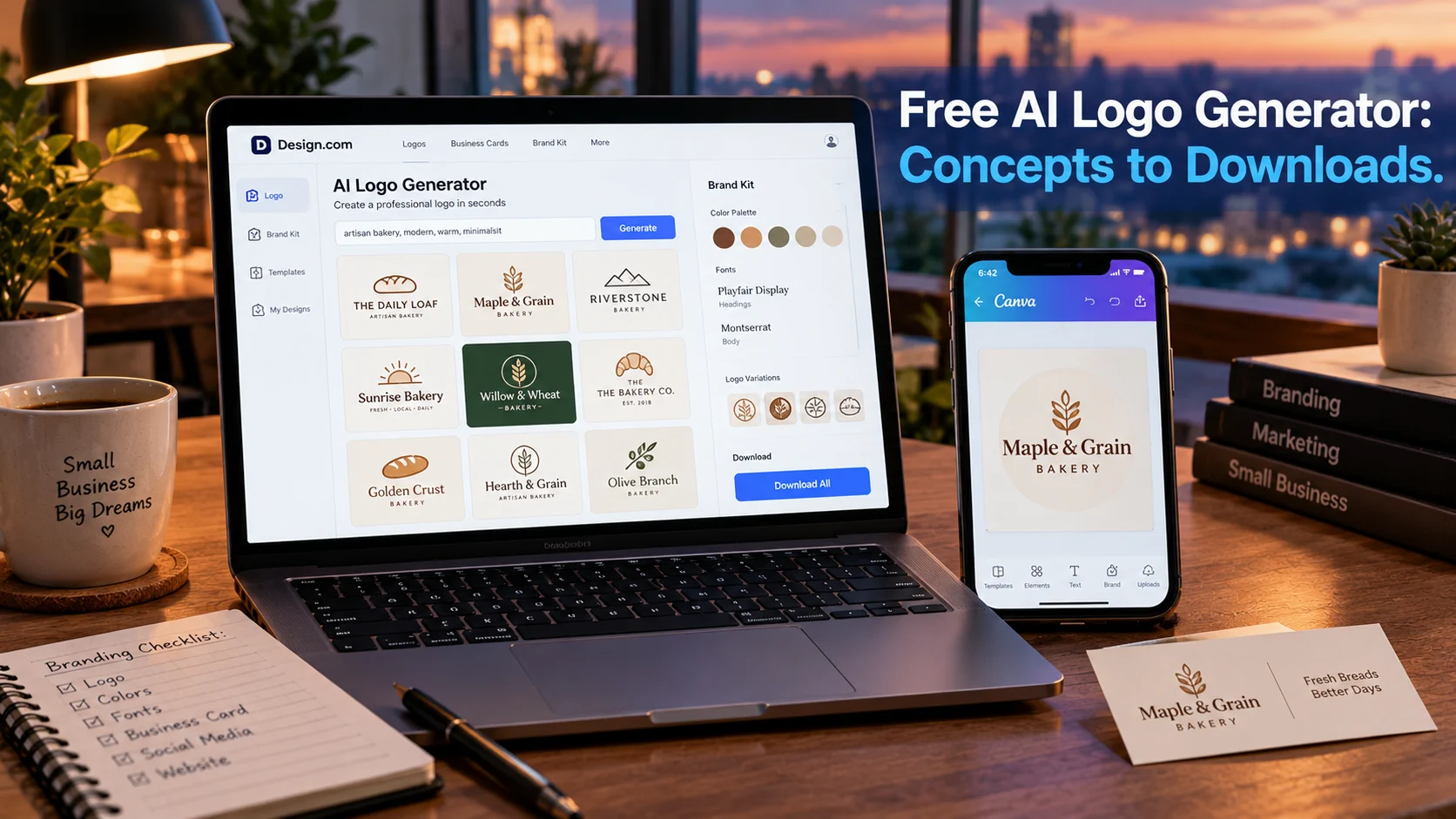
A free AI logo generator uses machine learning to create logo concepts from your business name, industry, and style preferences. Most tools offer free generation and preview, but only a few allow free commercial downloads. Looka offers free generation with paid downloads, Design.com provides a full brand kit with free vector files, and Canva requires Pro for SVG export.
At-a-Glance: Key Takeaways
- “Free” means different things across tools. Looka lets you generate and preview for free but charges for downloads. Design.com provides a genuinely free brand kit with vector files and commercial rights .
- Looka has generated logos for over 20 million small businesses and offers a full brand kit with 15+ file types on paid plans .
- Design.com leads independent comparisons for professional branding, with free vector exports and no watermarks .
- Canva’s free plan includes AI logo generation, but SVG vector downloads and full Brand Kit access require Pro at roughly $15/month .
- Shopify’s Tinker app is a newer free option, bundling 100+ AI tools including logo creation into one mobile app .
- Watch for credit limits. Adobe Express free users get 25 generative AI credits monthly when used within certain integrations .
What Is a Free AI Logo Generator?
A free AI logo generator is a software tool that applies machine learning to create logo designs based on user inputs. You enter your business name, select an industry, choose style preferences, and the AI generates multiple logo concepts within seconds.
The technology behind these tools varies. Some, like Looka, use AI trained on design principles to generate unique concepts rather than templates . Others, like Canva, combine AI generation with extensive template libraries, where the AI suggests starting points that users then customize manually .
The key distinction for anyone searching for a “free” option is what happens after generation. Most tools let you generate and preview logos at no cost. The question is whether you can download a usable file, whether it carries a watermark, and whether you own the commercial rights.
The Major Free AI Logo Generators Compared
Important caveat: Free tiers change frequently. Verify current terms before committing to any tool.
How AI Logo Generators Work
The Generation Process
Most AI logo generators follow a similar workflow. You start by entering your company name and industry. Some tools ask for a slogan or tagline. You then select style preferences: minimal, vintage, modern, geometric, or specific color palettes.
Looka’s process asks you to select logos you like for inspiration, then choose colors and symbols. The AI uses these preferences to generate hundreds of custom concepts within seconds . No templates are used; each logo is generated uniquely for the user.
Canva takes a different approach. You enter a text prompt describing what you want, and the AI generates logo concepts in styles ranging from 3D Render to Illustration to Sketch. You can regenerate with new prompts until you get closer to your vision .
Customization and Editing
After generation, most tools offer an editor for refinement. You can adjust colors, fonts, layouts, and symbols. Looka’s editor lets you finalize colors, fonts, and layouts, with the ability to undo edits and save when satisfied .
Canva’s advantage is its broader design ecosystem. Once you generate a logo, you can resize it for any platform using Magic Resize, edit colors with Color Edit, and access millions of stock images and graphics. The trade-off is that Canva’s AI output tends toward generic designs that require manual polish to feel distinctive .
The Technical Foundation
These tools use generative AI models, often diffusion-based or GAN-based, trained on large datasets of logo designs. The models learn patterns in typography, iconography, color theory, and composition. When you provide inputs, the model generates novel combinations that fit the constraints.
The quality of output depends on the model, the training data, and the specificity of your inputs. Vague prompts like “make a logo for my business” produce generic results. Detailed prompts specifying industry, style, color preferences, and brand personality yield better outputs.
What “Free” Actually Includes
Looka: Free to Try, Paid to Use
Looka is one of the most established AI logo makers, trusted by over 20 million small businesses . You can generate logos and preview them for free, with no signup required to start. The free experience is genuinely useful for exploring concepts.
However, downloading your logo requires payment. The paid package includes 15+ logo files in multiple formats (PNG, JPG, SVG, EPS, PDF), transparent backgrounds, black and white variations, business card designs, social media templates, and a brand info page. You also get unlimited changes with a Brand Kit subscription and lifetime logo support .
Looka’s royalty-free license means you can use downloaded files for commercial or non-commercial purposes. But the free tier does not include downloads.
Design.com: The Most Generous Free Tier
Design.com stands out for offering a genuinely free download with no watermarks. According to an independent comparison, the free plan includes AI logo generation, full customization, a brand kit with color palettes and font pairings, high-res PNG and JPG files, vector files (EPS, SVG, PDF), and commercial use rights .
The paid plans start at $3/month billed annually, adding unlimited logo edits, business cards, social posts, email signatures, and letterheads. A website and digital business cards are available on higher tiers.
Editorial interpretation: Design.com’s free tier is unusually comprehensive. The inclusion of vector files and commercial rights at no cost makes it a strong starting point for budget-conscious businesses.
Canva: Free PNG, Paid SVG
Canva’s free plan includes AI logo generation through its Magic Studio suite. You can generate concepts from text prompts and download as PNG. Commercial use is permitted for free-tier designs, though you should verify current terms for specific elements used.
The limitation is vector export. SVG and PDF downloads require Canva Pro, which runs around $15/month billed annually . For businesses that need scalable vector files for printing, this is a meaningful gap.
Canva’s strength is the broader ecosystem. If you are already using Canva for social media, menus, flyers, or other marketing materials, generating a logo within the same platform keeps your brand assets in one place .
Adobe Express: Free with Credit Limits
Adobe Express offers a free tier that includes logo creation, with a downloadable PNG carrying a full commercial license . The tool is part of Adobe’s broader design ecosystem, integrating with Adobe Fonts and Creative Cloud assets.
Free users receive up to 25 generative AI credits per month when using Adobe Express within certain integrations like EA Sports Team Builder . Outside those integrations, credit limits may apply. Premium plans at $9.99/month unlock premium templates, Adobe Fonts, and advanced AI features.
Limitation: Adobe Express does not offer SVG vector export on any tier, according to the BrandCrowd comparison . For print-quality scalable logos, this is a constraint.
Shopify Tinker: The Newcomer
Shopify launched Tinker in March 2026 as a free mobile app bundling 100+ AI tools for creating images, videos, logos, and product photography . The app organizes tools by outcome, so you select “logo creation” and describe what you need in plain language.
Tinker brings models from OpenAI, Google, Anthropic, and others into a single app, with context maintained across creations. The app is available on iOS and Android for users 13 and older.
Important caveat: Tinker is new, and independent testing of its logo output quality and download terms is limited. The free app model may change.
Other Free Options
LOGO.com offers one free logo download on its Free plan. Additional tools and vector files require paid Brand Plans .
BrandCrowd offers free AI generation and high-resolution downloads, but vector files require paid plans starting at $3/month billed annually .
TurboLogo allows unlimited free logo creation, but downloading requires payment according to the selected plan .
Key Features to Evaluate
Vector Files
Vector files (SVG, EPS, PDF) are essential for professional use. They scale infinitely without pixelation, making them suitable for printing on business cards, signage, merchandise, and large-format materials. PNG and JPG files are raster-based and lose quality when enlarged.
Design.com is the only tool in this comparison that offers free vector exports . Looka, Canva, and BrandCrowd require paid plans for vector files.
Commercial Rights
Before using any logo for business purposes, confirm that the free tier includes commercial use rights. Most tools grant commercial rights for downloaded files, but verify the terms. Looka’s royalty-free license covers downloaded files . Design.com explicitly includes commercial use rights on its free plan .
Brand Kit and Assets
A logo alone is rarely enough. A brand kit includes color palettes, font pairings, social media templates, business card designs, and guidelines for consistent usage. Design.com and Looka both offer brand kits, with Design.com including it on the free plan and Looka requiring a paid subscription .
Watermarks
Free downloads may carry watermarks. Design.com’s free download is watermark-free . Looka’s free preview is not downloadable, so watermark concerns are moot for that tier. Canva’s free PNG downloads may include watermarks on some elements, though basic logos should be clean.
Privacy and Security Considerations
AI logo generators process business names and brand information. Most are consumer-grade tools without the security certifications required for sensitive data.
What to check before using:
- Whether your inputs are used for model training
- How long generated designs are stored
- Whether you can delete your account and associated data
- The tool’s data retention policies
LOGO.com’s privacy policy notes that customer brand materials may be retained and used in accordance with their license, including after cancellation or deletion . This is a reminder to read the terms before committing.
Important distinction: No SOC 2 certification or similar compliance framework is typically referenced for free logo generators. They are consumer products, not enterprise software.
Who Should Use a Free AI Logo Generator
Early-stage founders and solopreneurs testing business ideas without committing to design costs. Design.com’s free tier with vector files allows launching with a professional logo at no cost .
Small businesses on tight budgets that need a functional logo for basic branding. Canva’s free PNG output works for digital use, provided vector files are not required.
Side project creators who need a quick logo for a website, social profile, or prototype. Looka’s free generation lets you explore concepts before deciding whether to pay.
Businesses planning to hire a designer later can use free AI generators for early concepts and direction. The generated logos serve as starting points, not final assets.
Anyone needing print-quality vector files immediately should prioritize Design.com’s free tier or budget for a paid plan elsewhere.
Established businesses with brand guidelines should not rely on free AI generators. The lack of customization depth, potential generic outputs, and limited vector access make them unsuitable for professional brand identity work.
Common Mistakes and Cautions
Assuming “free” means fully free. Most tools allow free generation but charge for downloads. Looka and TurboLogo are generation-free but download-paid .
Overlooking vector file limitations. PNG and JPG files are not suitable for professional printing. Canva and Adobe Express require paid plans or do not offer vector export at all .
Ignoring commercial rights. Verify that the free tier grants commercial use. Some tools restrict free downloads to personal use.
Expecting unique, custom designs. AI generators produce concepts based on patterns. Canva’s output tends toward generic designs that could belong to any business in the industry . Manual refinement is usually necessary.
Forgetting about brand consistency. A logo is part of a larger brand identity. Tools that include brand kits (colors, fonts, templates) save time later. Design.com includes this free; Looka charges for it.
Frequently Asked Questions
What is the best free AI logo generator?
Design.com offers the most comprehensive free tier, including vector files, commercial rights, and a brand kit with no watermark . Looka is strong for generation and preview but requires payment for downloads . Canva is best if you already use its ecosystem and only need PNG output .
Can I really get a logo for free?
Yes, but with limits. Design.com allows free downloads with vector files and commercial rights. Canva allows free PNG downloads. Looka and TurboLogo allow free generation but charge for downloads .
Do free logo generators give vector files?
Only some. Design.com includes EPS, SVG, and PDF on its free plan . Canva, Adobe Express, and BrandCrowd require paid plans for vector exports. Looka’s paid packages include vector files .
Are AI-generated logos copyrightable?
Copyright rules for AI-generated works are evolving. Most tools grant you a license to use the generated logo, but ownership and copyrightability depend on jurisdiction and the tool’s terms. Looka states that as the legal owner of your logo files, you have full copyright of your logo as a whole, though not the individual elements .
Can I use a free AI logo for my business?
Yes, if the tool grants commercial use rights. Design.com includes commercial rights on its free plan . Canva allows commercial use of free-tier designs. Verify the terms for any tool before using the logo publicly.
Conclusion
Free AI logo generators have made professional-looking logos accessible to anyone with a business name and five minutes. The quality has improved significantly, and some tools now offer genuinely free downloads with vector files and commercial rights.