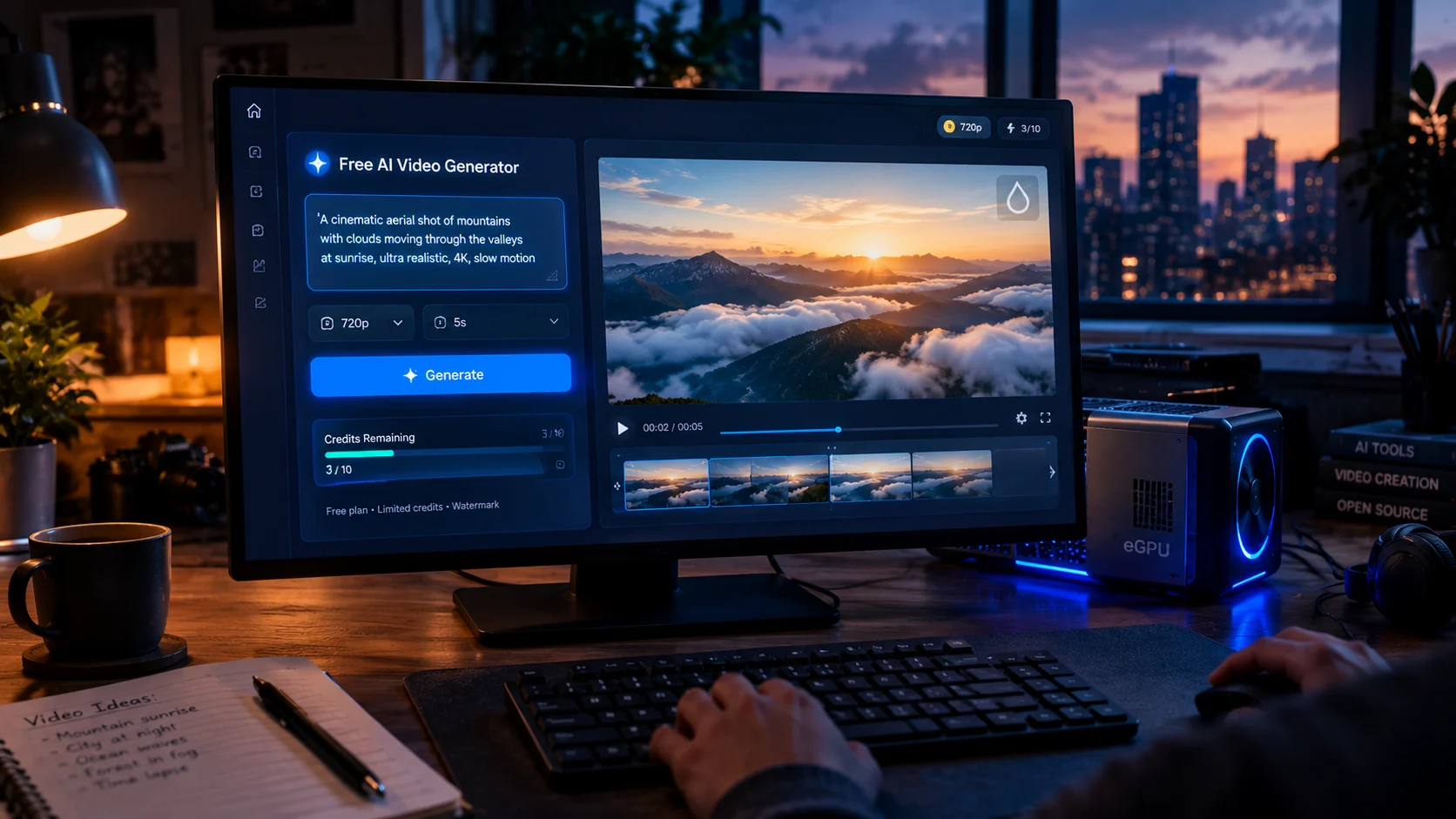
A free AI video generator lets you create short video clips from text or images without paying upfront. In 2026, most free tiers deliver 480p to 720p output with watermarks, limited monthly or daily credits, and restricted commercial rights, so they work best for testing ideas rather than production work .
At-a-Glance Box
- Free means limited, not unlimited. Most tools give 66 to 250 credits per month or day, enough for a handful of short clips .
- Watermarks are standard. Pika, Kling, Luma, and Runway all watermark free-tier exports, and commercial use is usually prohibited .
- Pika suits short social tests. 80 monthly credits at 480p, roughly 6 to 7 five-second clips before you run out .
- Kling leads on image-to-video motion. 66 daily credits, but practical output is about one generation per day on newer models .
- Runway’s free credits are one-time. 125 credits buy roughly 10 seconds of Gen-4.5 video once, not monthly .
- Open-source is the only truly free path. Wan 2.2 and LTX-Video run locally without watermarks, but require GPU hardware and setup time .
What “Free” Actually Means for AI Video Generators
The phrase free AI video generator carries an implicit promise that rarely survives contact with a credit ledger. Generating a single five-second AI video clip costs the provider real GPU compute, from a few cents at the cheapest tier to nearly a dollar on premium models . No company absorbs that cost indefinitely without a boundary.
Those boundaries take three predictable forms: watermarks, credit caps, and commercial-use restrictions. Understanding them before you commit time to a free tier is the difference between a useful sandbox and a frustrating dead end.
How Free Tiers Actually Work
Credit Systems and Expiration
Free credits come in two shapes. Renewable allowances reset daily or monthly. One-time grants appear at signup and never return.
Kling gives logged-in users 66 credits per day, expiring after 24 hours with no rollover . Pika’s Basic plan provides 80 credits per month . Runway’s free tier is the stingiest: 125 credits granted once, enough for roughly 10 seconds of Gen-4.5 output . Luma’s free plan varies by platform, with the iOS version offering 250 monthly credits against a cost of about 80 credits per five-second Ray1.6 clip .
The practical math matters more than the headline number. Pika’s 80 monthly credits at roughly 12 credits per five-second 480p clip yields six or seven usable generations before the month resets . Kling’s daily allowance sounds generous until you realize one image-to-video run on newer models can consume most of it .
Watermarks and Commercial Rights
Nearly every consumer-facing free tier watermarks its output. Pika, Kling, Luma, and Runway all follow this pattern . The watermark serves two purposes: brand advertising and cost recovery. Every watermarked clip posted publicly recruits new users for the tool that made it .
Commercial use is a separate restriction. Pika’s free card explicitly marks commercial use as unavailable on Basic and Standard plans . Luma’s free tier prohibits commercial use outright . Kling’s free output excludes commercial rights . If you plan to monetize the output, the free tier is not a viable path regardless of visual quality.
Resolution Ceilings
Free output tops out at 480p or 720p depending on the platform. Pika’s Basic plan caps at 480p . Kling free output reaches 720p . Luma’s free tier includes 720p image generation but draft-resolution video . For vertical social content, 480p survives platform compression acceptably. For desktop viewing or YouTube upload, the limitation becomes visible immediately .
Platform-by-Platform Breakdown
| Pika | 80 credits/month | 480p | Yes | No | Short social tests |
| Kling | 66 credits/day | 720p | Yes | No | Image-to-video motion |
| Runway | 125 one-time credits | Varies by model | Yes | No | Quick model evaluation |
| Luma | ~250 credits (iOS) / limited web | 720p draft | Yes | No | Cinematic atmosphere |
| Google Veo (via Vids) | 10 generations/month | High quality | SynthID embedded | Restricted | Occasional clean-looking output |
Pika: The Social Sandbox
Pika’s free Basic plan targets the simplest use case: quick, vertical video experiments. The 80 monthly credits support Pika 2.5 at 480p, with a reduced set of image-to-video effects . For TikTok or Reels content that will be compressed anyway, the resolution ceiling matters less than the creative iteration speed.
The limitation arrives fast. Six or seven clips per month leaves no room for failed generations or iterative refinement. Pika works as a learning tool, not a production workflow .
Kling: Strong Motion, Tight Rationing
Independent reviews consistently place Kling’s image-to-video motion quality above Pika’s, particularly on portraits and product shots . The free tier’s 66 daily credits support 720p output, but the practical output is approximately one usable generation per day on Kling 2.6 or 3.0 models .
That single daily generation demands preparation. Plan your prompt carefully, because a failed run consumes your budget until the next reset. Kling suits hobbyists exploring motion quality, not anyone working against a deadline .
Runway: One-Time Evaluation, Not Ongoing Access
Runway’s 125 free credits are a one-time allowance, not a monthly refill . At 12 credits per second for Gen-4.5, that translates to roughly 10 seconds of video, once . The free tier functions as a product demonstration: enough to assess output quality, not enough to build anything.
For users curious whether Runway’s model suits their aesthetic, the one-time grant provides a legitimate evaluation window. For anyone expecting sustained access, the math disappoints quickly.
Luma Dream Machine: Cinematic Glimpses
Luma’s output carries a distinctly cinematic quality, with strong motion handling on slower, atmospheric scenes . The free tier’s credit structure makes that quality expensive to access. At roughly 80 credits for a five-second 720p Ray1.6 clip, the iOS free allowance of 250 monthly credits yields about three generations .
Luma functions as a preview of premium capability. The free tier demonstrates what the model can do without providing enough runway to integrate it into any real workflow.
Google Veo: The Hidden Free Option
Google’s Veo 3.1 became accessible to personal Google accounts through the Vids editor, with 10 free video generations per month . Output carries SynthID watermarking embedded in the file, not always visible to the viewer but always present . This matters for compliance with emerging provenance regulations, particularly the EU AI Act’s Article 50 requirements taking effect in August 2026 .
The 10-generation monthly allowance is small, but the output quality from Veo’s model sits above the consumer-tier free offerings. For occasional clean-looking clips, it is worth the Google account.
When Free Is Not Enough: The Open-Source Path
The only structurally free AI video generation comes from open-source models you run on your own hardware. No platform policy governs your output, no watermark gets applied, and no credit system limits iteration.
The three models that matter as of mid-2026 are Wan 2.2 from Alibaba’s Tongyi Lab, HunyuanVideo 1.5 from Tencent, and LTX-Video from Lightricks . Wan 2.2 operates under Apache 2.0, outputs 720p at 24fps, and its smallest variant fits on 8GB of VRAM . An RTX 4090 generates a 720p clip in under ten minutes .
This path trades setup time and hardware cost for genuine freedom. Cloud GPU rentals on RunPod or Lambda run $0.50 to $2 per hour . Neither option is truly zero-cost, but neither depends on a platform’s permission either.
Privacy and Data Considerations
Free tiers rarely offer meaningful privacy guarantees. Data retention policies vary by platform and change frequently. No major free AI video generator publicly commits to Zero Data Retention on free accounts. SOC 2 certification, where present, addresses organizational controls rather than the specific question of whether your prompts and outputs get retained for training or analysis.
If your input images or prompts contain sensitive information, assume the free tier retains them. Read the current privacy policy before uploading anything you would not want stored indefinitely.
Common Mistakes With Free AI Video Generators
Burning credits on final-quality runs. Iterate at the lowest resolution and shortest duration first. A prompt that works at 480p generally transfers to higher settings; the reverse wastes credits on failures you cannot diagnose .
Assuming watermarks disappear after upgrading. In most cases, they do. But regulatory provenance markers like SynthID do not, and the distinction matters if compliance is your concern .
Planning sustained workflows around one-time grants. Runway’s 125 signup credits and similar trial grants expire permanently. They fund a single evaluation session, not a monthly process .
Ignoring commercial-use restrictions. A visually clean export from a free tier still carries legal restrictions on monetization. The file looking professional does not make its use commercial .
Expecting consistency across generations. Free-tier models often default to older or smaller versions (Pika 2.5 at 480p, not newer models). Character consistency and motion coherence degrade noticeably on these configurations.
Who Should Use a Free AI Video Generator
Content creators testing concepts benefit from Pika’s monthly allowance. Six or seven clips per month suit trend exploration without financial commitment.
Hobbyists learning prompt structure should use Kling’s daily generation as a discipline exercise. One careful generation per day teaches prompt economy better than unlimited access would.
Developers evaluating model quality can use Runway’s one-time credits to benchmark output against their use case, then move to API access for production.
Anyone needing commercial output should skip free tiers entirely. The upgrade cost to a paid plan that removes watermarks and grants commercial rights is modest relative to the time spent working around free-tier restrictions.
Latest Developments Worth Watching
The free tier landscape shifts quarterly. Hailuo’s watermark policy fluctuated between March and April 2026, with reviews disagreeing on whether output carried a visible mark . Google’s expansion of Veo access to personal accounts in April 2026 created a new free option where none existed before .
The EU AI Act’s August 2026 provenance requirements will likely push more platforms toward embedded watermarking like SynthID, blurring the line between brand advertising and regulatory compliance . Free tiers that currently offer unwatermarked output may find that option legally untenable in the EU market.
Conclusion
A free AI video generator is a constrained tool, not a hidden bargain. The free tiers from Pika, Kling, Luma, and Runway provide genuine access to capable models, but they do so within credit caps, resolution ceilings, and commercial-use restrictions that make them unsuitable for production work.
What matters most is matching the free tier to your actual goal. If you want to learn prompt structure and test concepts, Kling’s daily discipline or Pika’s monthly allowance will serve you. If you need clean, unwatermarked output without hardware investment, Google’s Veo access through Vids is the most legitimate path. If you need genuine freedom from platform restrictions, open-source models on your own hardware are the only honest answer.
Before committing to any tool, verify its current watermark policy, commercial-use terms, and credit expiration rules directly. These details change faster than any review can track, and the free tier you sign up for today may not match the one described here.