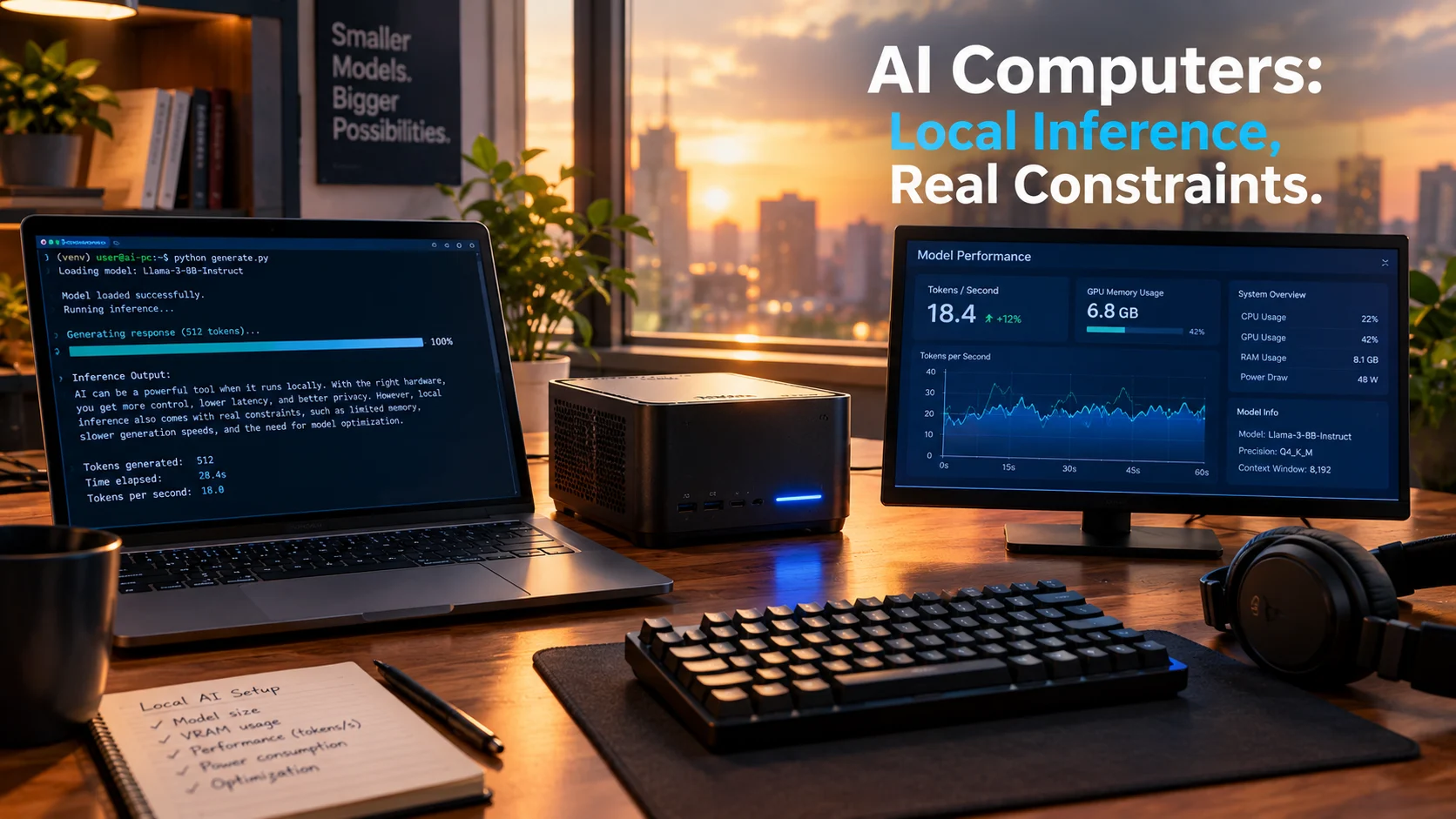
AI computers are personal computing systems with dedicated neural processing hardware that can run AI models locally instead of relying on cloud servers. This category includes AI PCs with NPUs, high-memory mini-PCs, and GPU workstations designed for local inference, each with distinct tradeoffs in speed, memory capacity, and cost.
At-a-Glance: Key Takeaways
- AI PCs with neural processing units (NPUs) now represent a major segment of new computer sales. Lenovo holds 25.1% global AI PC market share, and AI PCs account for over half of its laptop sales in China .
- Local AI inference requires three things: sufficient memory bandwidth, adequate unified or dedicated memory capacity, and software support for the model you want to run .
- Memory capacity matters more than raw compute for running large language models. A 70B parameter model at 4-bit quantization needs roughly 40GB, which excludes most consumer GPUs .
- AMD’s Strix Halo systems offer 128GB unified memory for around 3,500-4,000, matching NVIDIA’s DGX Spark on token generation but trailing on prompt processing .
- Privacy benefits are real but conditional. On-device processing keeps data local, but features like ChatGPT’s Computer History store summaries in unencrypted files accessible to other programs .
- AI PC performance claims from Microsoft compare new hardware to five-year-old PCs, which explains much of the reported speedup. The gains come from generational hardware improvements, not AI alone .
What Are AI Computers?
The term “AI computers” covers a broad range of hardware designed to run artificial intelligence workloads locally. This includes traditional desktops and laptops with dedicated AI accelerators, compact workstations built around high-memory unified architectures, and cloud-based machines that AI agents can control remotely .
The common thread is local AI processing. Instead of sending every request to a cloud server, these systems execute models on their own hardware. This approach offers potential benefits in latency, data control, and long-term cost, but it also imposes real constraints on model size and speed .
The market has responded enthusiastically. IDC data shows Lenovo shipped 14.9 million PCs in Q3 2026 alone, with AI PCs driving significant growth . The company’s AI PC shipments grew 86% year-over-year, and in China, AI PCs now represent 52.8% of its laptop sales .
How Local AI Inference Works
Running AI models locally follows a straightforward principle: the model’s parameters must fit in memory, and the hardware must process them fast enough to be useful.
Memory Is the Bottleneck
Large language models are measured by parameter count. A 7B model has 7 billion parameters. At 4-bit quantization, each parameter takes about half a byte, so a 7B model needs roughly 3.5GB of memory. A 70B model needs around 35GB to 40GB .
This explains why most consumer GPUs with 8GB or 12GB of VRAM cannot run larger models. Memory capacity, not compute power, is the primary constraint.
Bandwidth Determines Speed
Token generation speed depends heavily on memory bandwidth. The RTX 4090 delivers about 1,008 GB/s, producing roughly 46 tokens per second on a 27B model. A modified 4090 with 48GB memory runs the same model at the same speed because bandwidth is unchanged .
Higher bandwidth generally means faster inference, but capacity and bandwidth trade off against cost and power consumption.
Software Support Varies
NVIDIA’s CUDA ecosystem remains the most mature path for local AI. AMD’s ROCm and Vulkan support have improved but remain version-sensitive. Apple’s Metal and MLX framework offer a cohesive experience on Mac hardware .
Types of AI Computers
AI PCs with NPUs
These are standard laptops and desktops with dedicated neural processing units. Microsoft’s Copilot+ PC specification requires an NPU capable of at least 40 TOPS. These systems run lightweight AI features locally, such as Recall, Click to Do, and Copilot’s on-device capabilities .
The advantage is integration with the operating system and everyday workflows. The limitation is that NPUs currently handle specific, optimized tasks rather than general-purpose model inference.
High-Memory Mini-PCs
Systems like AMD’s Ryzen AI Halo and NVIDIA’s DGX Spark pack 128GB of unified memory into small form factors. This memory is shared between the CPU and GPU, allowing large models to load without discrete graphics cards .
AMD’s Strix Halo platform, available in systems from Framework, GMKtec, and Minisforum, starts around $3,449 for a 128GB configuration . NVIDIA’s DGX Spark lists at $4,699 but now sells for $5,299 in some retail listings .
GPU Workstations
Traditional workstations with high-end discrete GPUs remain the fastest option for local inference. Dell’s Pro Max 18 Plus with an RTX PRO 5000 reached 185 tokens per second on the Phi model, far exceeding integrated solutions .
The tradeoff is cost and power. That configuration launched at over $9,000 and now sells for nearly $18,600. It draws significantly more power than mini-PC alternatives .
Cloud Computers for AI Agents
A newer category, represented by services like Orgo, provides cloud-based computers that AI agents can control directly. These are full desktop environments accessible via API, designed for automation tasks rather than personal AI workloads .
Key Hardware Platforms Compared
| Platform | Memory | Bandwidth | Price | Best For |
| AMD Strix Halo (128GB) | 128GB unified | 256 GB/s | 3,449-3,999 | Running up to 120B models at usable speeds |
| NVIDIA DGX Spark | 128GB unified | 273 GB/s | 4,699-5,299 | CUDA development and clustering |
| Apple Mac Studio M5 Max | 128GB unified | 614 GB/s | $5,399 | Fast single-user inference with cohesive software |
| RTX 4090 (24GB) | 24GB GDDR6X | 1,008 GB/s | 2,268-2,362 used | Fast inference for models up to 32B |
| Modified RTX 4090 (48GB) | 48GB GDDR6X | 1,008 GB/s | $4,099 | Running 70B models on a single card |
| Dell Pro Max 18 Plus | 128GB + 24GB VRAM | 896 GB/s | $18,600+ | Maximum speed for professional workloads |
Benefits of AI Computers
Data stays local. On-device processing means sensitive documents, code, and conversations never leave the machine. This matters for professionals handling confidential information .
No per-token costs. Cloud inference charges accumulate. Running locally converts variable costs into a fixed hardware investment. For frequent users, the break-even point can arrive quickly .
Lower latency. Local inference eliminates network round-trips. Response times depend only on hardware speed, not internet connectivity .
Works offline. Once models are downloaded, local AI functions without internet access. This suits field work, travel, and environments with unreliable connectivity.
Limitations and Risks
Hardware Constraints
Memory capacity caps model size. A 128GB system can run models up to roughly 120B parameters at 4-bit quantization, but larger models require server-class hardware .
Bandwidth limits speed. The DGX Spark’s 273 GB/s bandwidth produces about 11.8 tokens per second on a 27B model, the slowest among tested platforms . Faster bandwidth means faster responses, and that costs more.
Software Fragmentation
Not all models run on all platforms. NVIDIA’s CUDA dominance means many optimized implementations target NVIDIA hardware first. AMD users face ROCm version compatibility issues. Apple users depend on MLX and Metal support, which varies by model .
Privacy Is Not Automatic
Local processing helps, but implementation matters. ChatGPT’s Computer History feature stores activity summaries as plain text files that “other programs running as your macOS user may be able to access” . Microsoft’s Recall encrypts snapshots and keeps them device-local, but it is opt-in for good reason .
Performance Claims Need Context
Microsoft claims Copilot+ PCs are “up to 5x faster” than Windows PCs from five years ago . This comparison reflects generational hardware improvements across all components, not AI-specific gains. New PCs should be faster than old ones.
Who Should Consider an AI Computer?
Professionals handling sensitive data. Lawyers, doctors, and researchers who cannot send client information to cloud services benefit from local processing.
Developers working with AI. Local inference allows rapid iteration without API costs or rate limits. CUDA remains the most mature path, though AMD and Apple are viable for many workloads .
Frequent AI users. If cloud inference bills are climbing, a local system can pay for itself over time. The break-even point depends on usage volume and model size .
Organizations planning AI agent deployments. AMD frames AI PCs as infrastructure for running agents continuously. IT teams evaluating this approach should budget for compute capacity, not just per-seat licenses .
Casual users may not benefit. If AI usage is occasional and models are small, cloud services remain simpler and cheaper. The hardware investment only makes sense with consistent, demanding workloads.
Common Mistakes
Confusing NPU TOPS with inference capability. NPU performance ratings measure specific operations. They do not directly predict how fast a language model will run .
Underestimating memory requirements. A 13B model at full precision needs over 50GB. Most users need quantized versions, which reduce quality slightly but fit in smaller memory spaces.
Ignoring software support. A high-memory system is useless if the models you need do not run on its software stack. Check compatibility before purchasing .
Assuming privacy is guaranteed. Local processing helps, but features like ChatGPT’s Computer History create unencrypted files that other programs can read . Microsoft’s Recall is encrypted but requires careful configuration .
Buying for AI alone. Many AI-capable GPUs are also gaming and content creation cards. If you do not need those capabilities, integrated solutions may offer better value .
Real-World Examples
DGX Spark limitations in practice. Despite 128GB of memory, the DGX Spark produces only 11.8 tokens per second on a 27B model due to its 273 GB/s bandwidth. Clustering two units improves throughput to 33-35 tokens per second, but this adds cost and complexity .
The 48GB modified 4090. A memory-modified RTX 4090 with 48GB runs 70B models on a single card at $4,099. The standard 24GB version cannot fit those models at all. This modification exists specifically because VRAM capacity is the binding constraint .
AMD matches NVIDIA on generation speed. Signal65 testing found AMD’s Ryzen AI Halo system within 5-9% of DGX Spark on token generation across five models. Prompt processing, however, ran at 0.3x to 0.6x the Spark’s rate, revealing an architectural tradeoff .
Latest Developments
Microsoft and NVIDIA deepen Windows AI integration. Announced in October 2026, the partnership brings RTX Spark hardware to Surface devices and introduces Execution Containers for sandboxing AI agents. The Surface Laptop Ultra starts at $2,599 .
NVIDIA RTX Spark launch. New laptops with 128GB shared memory and up to 1 petaflop of FP4 performance go on sale October 16, 2026. Preorders are open from Dell, ASUS, HP, Lenovo, and MSI .
Lenovo’s AI PC dominance. The company’s AI PC market share reached 25.1% in Q1 FY2026/27, with 37 models passing China’s L3 intelligence certification .
ChatGPT Computer History raises privacy questions. OpenAI’s macOS feature tracks user activity to provide context, but stores summaries in unencrypted files accessible to other applications. Kaspersky advises excluding sensitive apps and reviewing stored data regularly .
Frequently Asked Questions
What makes a computer an “AI computer”?
An AI computer includes dedicated hardware, typically a neural processing unit (NPU) or GPU, capable of running AI models locally. Microsoft’s Copilot+ PC specification requires an NPU with at least 40 TOPS, but high-memory systems without NPUs can also run AI models effectively .
How much memory do I need to run AI models locally?
Memory requirements depend on model size and quantization. A 7B model at 4-bit needs about 3.5GB. A 70B model needs 35GB to 40GB. For headroom to run multiple models or larger context windows, 64GB or 128GB is preferable .
Is local AI inference faster than cloud services?
For individual queries, local inference has lower latency because there is no network round-trip. But cloud services running on datacenter GPUs can generate tokens faster than most local hardware. The advantage of local inference is privacy and cost predictability, not necessarily raw speed .
Can I run ChatGPT locally on an AI computer?
No. ChatGPT is OpenAI’s cloud service. However, you can run open-weight models with similar capabilities, such as Llama, Mistral, or Qwen, using local inference software like Ollama, vLLM, or LM Studio .
Do AI PCs require a subscription?
The hardware itself does not require a subscription to function. However, some AI features, such as extended storage for baby monitors or advanced Copilot capabilities, may require paid subscriptions. Local inference software is generally free and open-source .
Conclusion
AI computers represent a genuine shift in how personal computing handles artificial intelligence. Instead of treating AI as a cloud-only service, these systems bring model execution to the device, offering data control, offline capability, and cost predictability.
The hardware landscape spans a wide range. AI PCs with NPUs handle everyday AI features efficiently. High-memory mini-PCs like AMD’s Strix Halo and NVIDIA’s DGX Spark run large language models at usable speeds for a few thousand dollars. GPU workstations deliver maximum performance at maximum cost.
What matters most is matching hardware to workload. Memory capacity determines which models you can run. Memory bandwidth determines how fast they respond. Software support determines whether the models you want actually work on your system.
These systems suit professionals handling sensitive data, developers iterating on AI applications, and frequent users seeking to escape per-token cloud costs. They do not suit casual users whose AI needs are occasional and modest.
Before choosing, evaluate your realistic memory requirements, the software ecosystem for your target models, and the total cost including power consumption and potential upgrades. Local AI is a tool, not a solution, and the right tool depends entirely on the task.