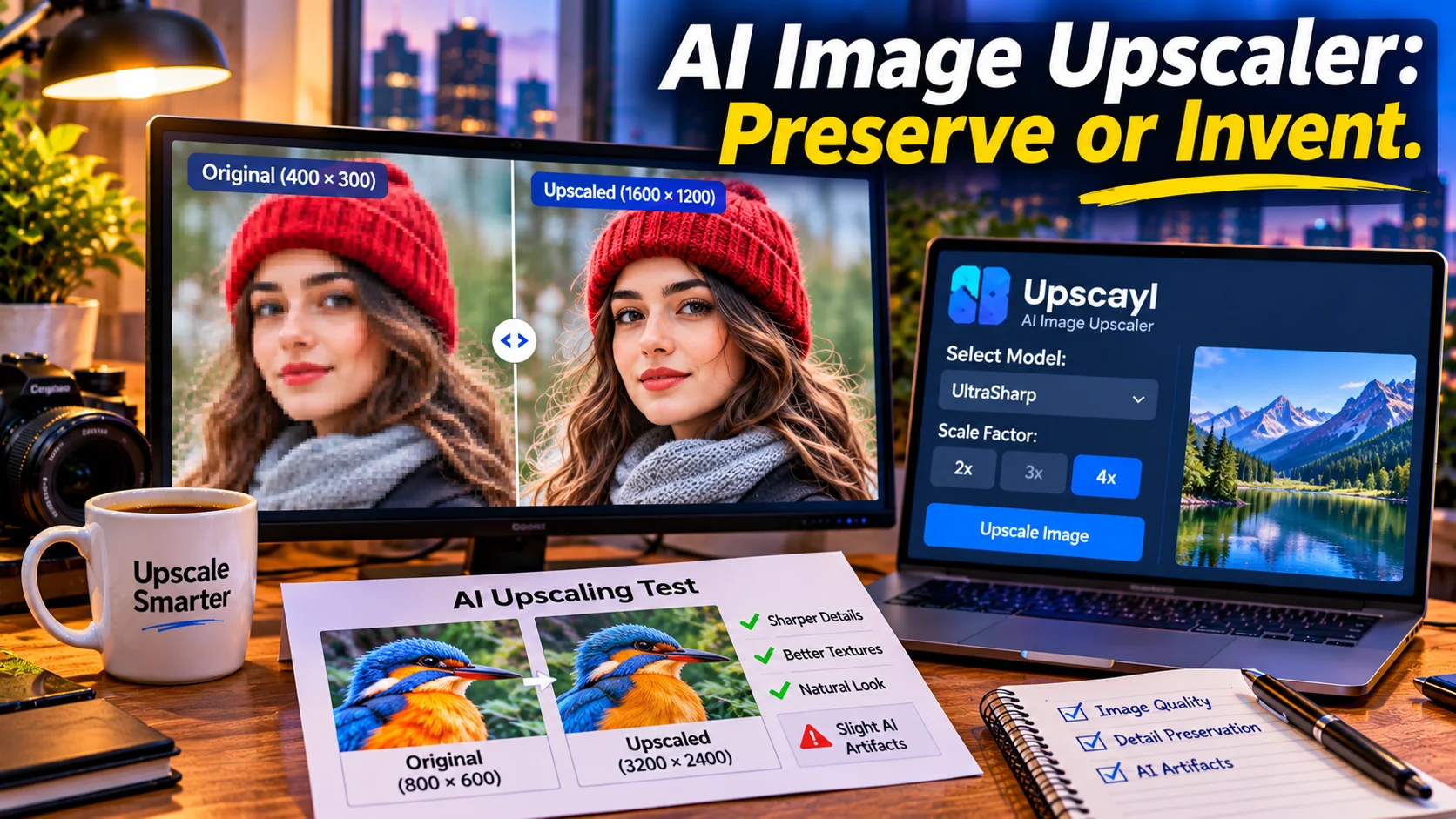
An AI image upscaler increases image resolution using machine learning, but the category splits into two distinct approaches. Traditional upscalers like Upscayl and Real-ESRGAN enlarge images without inventing new content, while generative upscalers like Magnific and Clarity Pro rebuild missing detail and can add textures that were never there. The choice depends on whether you need faithful enlargement or creative enhancement.
At-a-Glance: Key Takeaways
- Two fundamentally different technologies exist. Traditional upscalers use models trained to enlarge without hallucination. Generative upscalers rebuild detail and can add elements that were never in the original.
- Upscayl is the best free open-source option, running locally on Windows, macOS, and Linux with no limits and no cloud dependency .
- Magnific leads the generative category, offering up to 16× upscaling with adjustable creativity and resemblance sliders .
- Topaz Gigapixel is the professional choice, but it has moved to a subscription model starting around €29/month .
- API access exists for developers, with models like Clarity Pro and Topaz available through Replicate for programmatic workflows .
- Free tiers have real limits. Magnific offers initial free tokens, but higher scales and creative presets consume credits quickly .
What Is an AI Image Upscaler?
An AI image upscaler is a tool that increases the resolution of an image using machine learning. It does not simply stretch pixels, which produces blurry, pixelated results. Instead, it analyzes the image and generates new pixels that fit the existing content, producing a sharper, larger version.
The critical distinction within the category is how the AI generates those new pixels.
Traditional upscalers use models trained on pairs of low-resolution and high-resolution images. They learn to predict what a higher-resolution version should look like based on patterns. The goal is faithful enlargement: preserve what is there, sharpen it, do not add anything new.
Generative upscalers use diffusion models or GANs to rebuild detail. They do not just enlarge; they invent. A blurry patch of texture becomes a detailed surface. A soft facial feature becomes a defined one. The trade-off is that the added detail may not be accurate to the original scene.
The search intent for “AI image upscaler” is commercial investigation. Users want to know which tool produces the best results for their specific need: restoring old photos, preparing images for print, enhancing AI-generated art, or upscaling product photography.
How AI Image Upscalers Work
The Traditional Approach
Traditional upscalers like Real-ESRGAN and its derivatives process images through neural networks trained to map low-resolution inputs to high-resolution outputs. The model learns the statistical relationship between pixels across scales.
Upscayl, the most popular open-source desktop tool, uses Real-ESRGAN under the hood. It offers several models optimized for different content types: general photos, digital art, and manga . The processing happens locally on your machine. No internet connection is required, and there are no limits on how many images you upscale .
The strength of this approach is fidelity. The output looks like a sharper version of the original, not a reconstruction. The limitation is that it cannot recover detail that genuinely does not exist in the source. A blurry face will become a sharper blurry face, not a defined one.
The Generative Approach
Generative upscalers like Magnific use diffusion models to rebuild missing detail. The workflow involves uploading an image, selecting a scale (2×, 4×, 8×, or 16×), and choosing a preset: Subtle, Vivid, Wild, or Custom .
The critical controls are the sliders. Creativity determines how much the AI invents. Resemblance keeps the output close to the original. HDR adjusts contrast and punch. Fractality controls fine-grain texture .
The strength of this approach is dramatic enhancement. A low-resolution image can become wall-print quality. AI-generated art can gain texture and depth. The limitation is that the added detail is fabricated. For portraits, keeping Resemblance high prevents the AI from altering facial identity. For product photography, generative upscaling can change the appearance of the product itself.
The Agentic Future
Academic research is pushing toward more sophisticated systems. 4KAgent, presented at NeurIPS 2025, is an agentic super-resolution system that uses a Perception Agent to analyze the image and plan a restoration strategy, then a Restoration Agent to execute it with a recursive execution-reflection paradigm .
The system claims state-of-the-art results across 26 benchmarks spanning natural images, portraits, AI-generated content, satellite imagery, and medical imaging. It includes a specialized face restoration pipeline . This is not yet a consumer product, but it points toward the next generation of upscalers that adapt their approach to the content.
The Major AI Image Upscalers Compared
Free and Open-Source Options
Upscayl: The Best Free Desktop Tool
Upscayl is the most accessible open-source upscaler. It offers a clean graphical interface, no technical setup, and cross-platform support for Windows, macOS, and Linux . It processes locally, meaning no data leaves your machine and there are no usage limits .
The tool includes several AI models for different content types. Users select a model, set the scale factor, and click a button. Reddit users describe it as a “set it and forget it” tool because the interface does not overwhelm with options .
Requirement: Upscayl needs a Vulkan-compatible GPU. Many integrated GPUs do not work, though there is a CPU-only workaround for Windows and Linux .
Cupscale: More Control for Windows
Cupscale is essentially a GUI wrapper for Real-ESRGAN with more customization than Upscayl. It supports drag-and-drop, batch processing, and side-by-side comparison of original and upscaled images. It is Windows-only .
Clarity AI: Generative Power via API
Clarity AI is an open-source generative upscaler available through Replicate. It is described as a “free Magnific alternative” and supports up to 16× scale with adjustable creativity and resemblance parameters .
The Replicate listing notes that Clarity Pro Upscaler offers photorealistic results at up to 16× scale, capped at 64 megapixels output. It includes a creativity parameter that lets you dial between strict fidelity and stylized re-imagining .
Paid and Professional Options
Magnific: The Generative Leader
Magnific is the most prominent generative upscaler. It offers up to 16× upscaling with a browser-based interface and a range of presets and sliders . The workflow is designed for speed: upload, select scale, choose preset, adjust sliders, click upscale.
The tool is particularly strong for AI-generated art, game textures, and restoring old photos where some creative interpretation is acceptable. The “Videogame Assets” mode uses different engines for metal/stone versus fabrics. The “Portrait” mode advises keeping Resemblance high to avoid altering facial identity .
The limitation is credit consumption. Higher scales and the Wild preset consume more credits. The free trial is limited, and sustained use requires a paid plan .
Topaz Gigapixel: Professional Standard
Topaz Gigapixel is the choice for professional photographers and print workflows. It offers up to 6× upscaling with multiple AI models for different content types. CHIP’s review notes that it delivers “impressive sharpness and detail fidelity” .
The significant change is the pricing model. Topaz has moved from a one-time purchase to a subscription, starting at around €29/month. Cloud rendering is now unlimited and no longer credit-limited, but the software is subscription-only .
Pricing and Access
Who Should Use Which Upscaler
Users needing faithful enlargement without hallucination should use Upscayl or Cupscale. These tools sharpen and enlarge without inventing detail. They are ideal for restoring old photos where accuracy matters, preparing images for print where the original content must be preserved, and batch processing large volumes without cost.
Users enhancing AI-generated art or game textures should use Magnific or Clarity AI. The generative approach adds texture and depth that traditional upscalers cannot provide. The trade-off is that the added detail is fabricated, which is acceptable for creative work but not for documentary or product photography.
Professional photographers should use Topaz Gigapixel. The multiple models and professional-grade controls justify the subscription for print workflows. The unlimited cloud rendering removes the credit anxiety of generative tools .
Developers building automated pipelines should use Replicate’s API access to models like Topaz, Clarity Pro, or Recraft Crisp . This allows integration into custom workflows without building the upscaling infrastructure from scratch.
Common Mistakes and Cautions
Assuming all upscalers do the same thing. Traditional and generative upscalers produce fundamentally different results. One preserves, the other invents. Choosing the wrong type for your use case produces either blurry results or fabricated details.
Overlooking the GPU requirement for local tools. Upscayl needs a Vulkan-compatible GPU. Users with integrated graphics may struggle or need the CPU-only workaround .
Expecting generative upscalers to preserve product accuracy. Magnific’s creativity slider can add textures and details that were never in the original. For product photography, this is a liability, not a feature.
Ignoring the subscription shift. Topaz Gigapixel is now subscription-only. Users who preferred the one-time purchase model need to evaluate whether the ongoing cost is justified .
Forgetting that free trials have limits. Magnific’s free tokens are consumed quickly at higher scales. Test at lower settings before committing credits to a 16× upscale .
Frequently Asked Questions
What is the best free AI image upscaler?
Upscayl is the best free option for faithful enlargement. It is open source, runs locally on Windows, macOS, and Linux, has no usage limits, and does not upload your images to a server . For generative enhancement, Clarity AI via Replicate offers a limited free tier .
Do AI upscalers actually add detail?
Traditional upscalers like Upscayl do not add new detail; they sharpen and enlarge what exists. Generative upscalers like Magnific do add detail by inventing textures and features, but the added detail may not be accurate to the original scene .
Is Topaz Gigapixel worth the subscription?
For professional photographers preparing images for print, Topaz Gigapixel offers strong results and multiple models for different content types. The subscription cost of around €29/month is justified for high-volume professional use, but casual users may find free alternatives sufficient .
Can I use an AI upscaler for free without limits?
Yes, with open-source tools. Upscayl and Cupscale are free and unlimited, processing images locally on your hardware. The trade-off is that they require a capable GPU and do not offer generative enhancement .
What is the difference between Magnific and Upscayl?
Magnific is a generative upscaler that rebuilds detail and can add textures that were not in the original. Upscayl is a traditional upscaler that enlarges and sharpens without inventing content. Magnific is better for creative enhancement; Upscayl is better for faithful preservation .
Conclusion
The AI image upscaler category offers solutions for every need, but the choice depends entirely on what you are trying to achieve. Upscayl provides free, unlimited, faithful enlargement for users who want to preserve their images without fabrication.