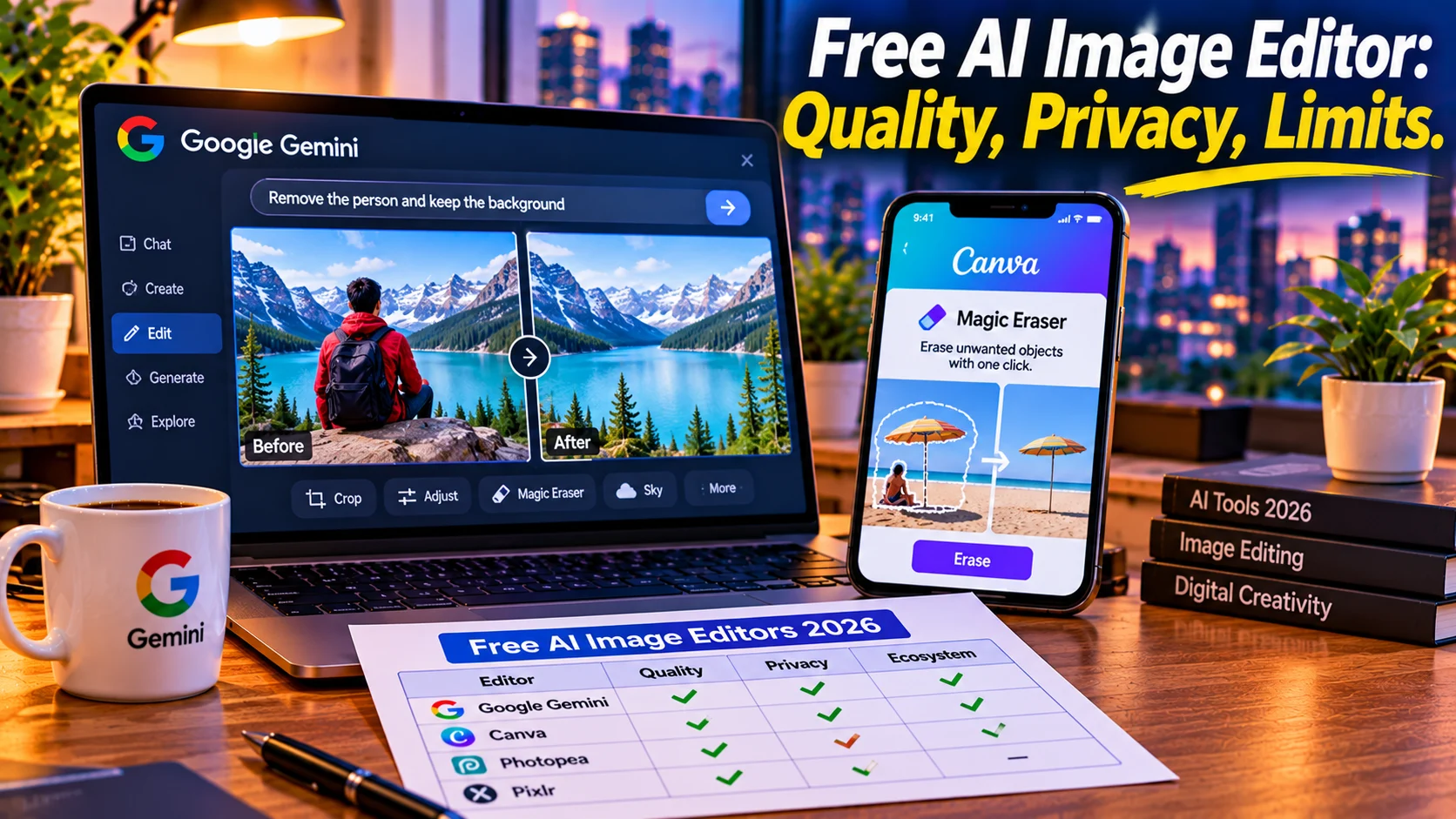
A free AI image editor lets you modify photos using artificial intelligence at no cost, but “free” means different things across tools. Google Gemini offers the strongest prompt-based editing quality with generous free access, Canva provides an ecosystem of AI tools with a solid free tier, Photopea delivers local editing without uploads, and Remove.bg handles background removal instantly but caps free downloads.
At-a-Glance: Key Takeaways
- Google Gemini is the quality leader for prompt-based edits, preserving fine details and producing higher-resolution output than most free competitors .
- Canva offers the best ecosystem, combining AI editing with templates, design tools, and a free tier that covers most core features .
- Photopea runs locally in your browser, processing images without uploading them to external servers, which matters for sensitive content .
- Remove.bg does one thing exceptionally well, removing backgrounds instantly with no account required, but free downloads are limited .
- Watermarks and resolution caps are the most common limitations on free tiers, particularly with tools like AI Ease and Instories .
- Prompt-based editing is replacing manual tools for casual users, with tools like Gemini and ChatGPT allowing natural language changes rather than slider adjustments .
What Is a Free AI Image Editor?
A free AI image editor is a tool that applies artificial intelligence to photo manipulation at no cost. The category spans prompt-based editors that change images through natural language descriptions, one-click tools for specific tasks like background removal, and full-featured editors with AI features built in.
The search intent is commercial investigation. Users want to know which free tools produce usable results, what the limitations are, and whether the output is suitable for their specific needs.
The honest answer is that free AI image editing has matured significantly. Tools that required paid subscriptions a year ago now offer capable free tiers. The gap between free and paid has narrowed, though it has not closed entirely.
The Major Free AI Image Editors Compared
| Google Gemini | Generous free access | Prompt-based editing, high-res output | None | Permitted with terms | Quality edits, detail preservation |
| Canva | Most core tools free | Magic Eraser, background removal, Magic Edit | None | Yes (within terms) | Social graphics, templates |
| Photopea | Full editor, free | AI background removal, local processing | None | Yes (with ads) | Privacy-sensitive, precise control |
| Remove.bg | Limited monthly downloads | Background removal only | None | Yes | Quick background removal |
| Fotor | Restricted AI usage | AI enlarger, portrait editing, batch tools | Likely | Paid only for commercial | Quick fixes, batch editing |
| AI Ease | Watermarked results | All-in-one toolkit | Yes | Paid only | Experimentation |
| Freepik | Limited daily | Design-focused editing | None | Paid only for full features | Design assets, social media |
Google Gemini: Best Prompt-Based Quality
Google Gemini has become one of the most reliable free tools for AI image editing, particularly for quality. It excels at preserving fine details when making changes, which many free tools struggle to do consistently .
What Free Includes
Gemini offers generous free access through Google’s ecosystem. It handles advanced edits like combining elements from different images or realistically adjusting scenes. Output quality is notably higher than most free competitors, sometimes reaching 2K or even 4K resolution .
The interface is prompt-based: you type what you want (“remove the background clutter,” “make the lighting warmer,” “combine elements from these two images”) and the AI handles it. For users who find traditional editing interfaces intimidating, this approach feels natural .
Where the Limits Hit
Usage limits apply. More complex edits work best when you are comfortable writing clear prompts. The free tier does not include every advanced feature available in paid Google AI plans.
Editorial interpretation: Gemini is the best free option for users who want high-quality results from simple text prompts. The learning curve is low, and the output quality is high.
Canva: Best Ecosystem Integration
Canva’s photo editor combines traditional editing tools with AI-powered features, all within a design platform that most creators already use .
What Free Includes
Canva’s free tier includes Magic Eraser for object removal, background removal, Magic Edit for replacing parts of an image, and basic AI-powered adjustments. The May 2026 update improved Magic Eraser quality, making removals cleaner and more natural-looking with no shadows or reflections left behind .
The strength is integration. You can edit an image, then drop it directly into a social template, presentation, or poster without leaving the platform. Canva supports JPEG, PNG, WEBP, HEIC, SVG, and PSD formats .
Where the Limits Hit
Some advanced AI tools require Canva Pro. The free tier is generous for basic editing, but professional users may hit limits on Magic Expand, upscaling, and certain creative effects.
Editorial interpretation: Canva is the best free option for users who need both AI editing and design templates in one place. The ecosystem is the value proposition, not the AI editing alone.
Photopea: Best for Privacy and Precision
Photopea is a browser-based editor that mimics Photoshop’s interface and processes everything locally without uploading files to external servers .
What Free Includes
Photopea offers layers, masks, smart objects, and support for PSD files, plus AI background removal. Because processing happens in your browser, files never leave your device. This makes it the safest free option for sensitive images.
The interface is technical. Photopea assumes familiarity with professional editing concepts like layers and masks. Users seeking simple prompt-based editing will find it overwhelming.
Where the Limits Hit
Some premium features may require a subscription or viewing an ad. The learning curve is steep for beginners. There is no prompt-based AI editing; you are doing the work manually with AI assistance for specific tasks.
Editorial interpretation: Photopea is the best free option for users who need precise control and privacy. It is not a “describe what you want and click a button” experience.
Remove.bg: Best for Background Removal
Remove.bg does one thing and does it exceptionally well: it removes backgrounds from photos instantly .
What Free Includes
The free tier offers limited downloads per month. No account is required to try it. The output is clean and precise, suitable for product photos, profile pictures, and logo work.
Where the Limits Hit
Higher-resolution outputs cost credits. Bulk processing exhausts the free tier quickly. The tool does nothing else; it is not a general-purpose editor.
Editorial interpretation: Remove.bg is the best free option for its specific purpose. For quick, low-resolution background removal, it is unmatched.
Fotor, AI Ease, and Freepik: The Supporting Cast
Fotor combines traditional editing tools with AI features like portrait enhancement, batch editing, and AI enlarger . The free tier has restricted AI usage and occasional upgrade prompts, but it is solid for quick, simple edits .
AI Ease offers an all-in-one toolkit with background removal, image enhancement, and virtual outfit changes. The free version includes watermarks and usage limits, making it suitable for experimentation rather than production .
Freepik provides design-focused AI editing for social media content, blog visuals, and promotional materials. Some advanced features require a subscription, but the free tier handles basic design tasks .
Where the Paywall Actually Lands
Across free AI image editors, the pattern is consistent.
Watermarks appear on some free tiers. AI Ease and Instories add watermarks. Gemini, Canva, Photopea, and Remove.bg do not watermark standard outputs .
Resolution is capped. Free tiers often limit output to lower resolution. Remove.bg caps free downloads. Fotor restricts high-resolution exports.
Advanced features are gated. Canva Pro unlocks Magic Expand and upscaling. Gemini’s most advanced features sit behind Google AI subscriptions. Fotor’s commercial use requires payment.
Usage limits apply. Gemini has daily limits. Canva’s free tier is generous but not unlimited. Remove.bg caps monthly downloads.
Privacy and Security Considerations
Free AI image editors process images either locally or on remote servers.
Local processing is the gold standard. Photopea processes everything in your browser without uploading files . This is the safest option for sensitive images.
Cloud-based tools require trust. Gemini, Canva, Remove.bg, and Fotor upload your images to their servers. Review their privacy policies before uploading sensitive content.
What to check:
- Whether images are used for model training
- How long uploaded images are retained
- Whether you can delete your data
- The tool’s data processing agreement
Important distinction: No SOC 2 certification or similar compliance framework is typically referenced for free AI image editors. They are consumer products. Do not upload confidential or personal images without reviewing the privacy policy.
Who Should Use Which Free AI Image Editor
Users wanting high-quality prompt-based edits should use Google Gemini. The detail preservation and output quality are the best available on a free tier .
Designers needing templates and AI editing together should use Canva. The free tier covers most core features and integrates with a broader design ecosystem .
Privacy-conscious users handling sensitive images should use Photopea. Local processing eliminates the upload risk entirely .
Anyone needing quick background removal should use Remove.bg. The free tier is limited but the quality is unmatched .
Users with simple quick-fix needs can use Fotor for portrait enhancement and batch editing, accepting the restricted AI usage .
Common Mistakes and Cautions
Assuming free means unlimited. Every free tier has caps. Gemini has usage limits, Canva gates advanced features, and Remove.bg caps downloads.
Overlooking watermarks. AI Ease and Instories add watermarks to free output. Gemini, Canva, and Photopea do not .
Ignoring commercial restrictions. Some free tiers prohibit commercial use. Fotor’s commercial features require payment. Canva permits commercial use within terms.
Uploading sensitive images without checking privacy. Only Photopea processes locally. All other tools upload images to servers.
Expecting prompt-based editing from Photopea. Photopea is a manual editor with AI features. It does not work like Gemini or Canva’s Magic Edit where you describe the change and click a button.
Frequently Asked Questions
What is the best free AI image editor?
Google Gemini offers the best prompt-based editing quality with generous free access and high-resolution output. Canva is best for ecosystem integration with templates and design tools. Photopea is best for privacy and precise control with local processing .
Are free AI image editors really free?
Yes, with limits. Every free tier has usage caps, resolution limits, or feature restrictions. Some add watermarks. Gemini, Canva, and Photopea offer genuinely usable free tiers. AI Ease and Instories add watermarks .
Can I use free AI image editors for commercial work?
It depends on the tool. Canva permits commercial use within its terms. Photopea allows commercial use with ads. Gemini permits commercial use within Google’s terms. Fotor requires payment for commercial features. Always verify current terms.
Do free AI image editors upload my images?
It depends. Photopea processes everything locally in your browser without uploading files. Gemini, Canva, Remove.bg, and Fotor upload images to their servers for processing .
What is the best free AI image editor for background removal?
Remove.bg is the best free option for background removal, offering instant results with no account required. The free tier has limited downloads, but the quality is unmatched. Photopea also offers AI background removal with local processing .
Conclusion
Free AI image editors offer genuinely useful capabilities, but the experience is defined by the specific limitations of each tool. Google Gemini leads on prompt-based quality. Canva wins on ecosystem integration. Photopea provides privacy and precision. Remove.bg handles background removal instantly. Fotor and Freepik serve specific design needs.