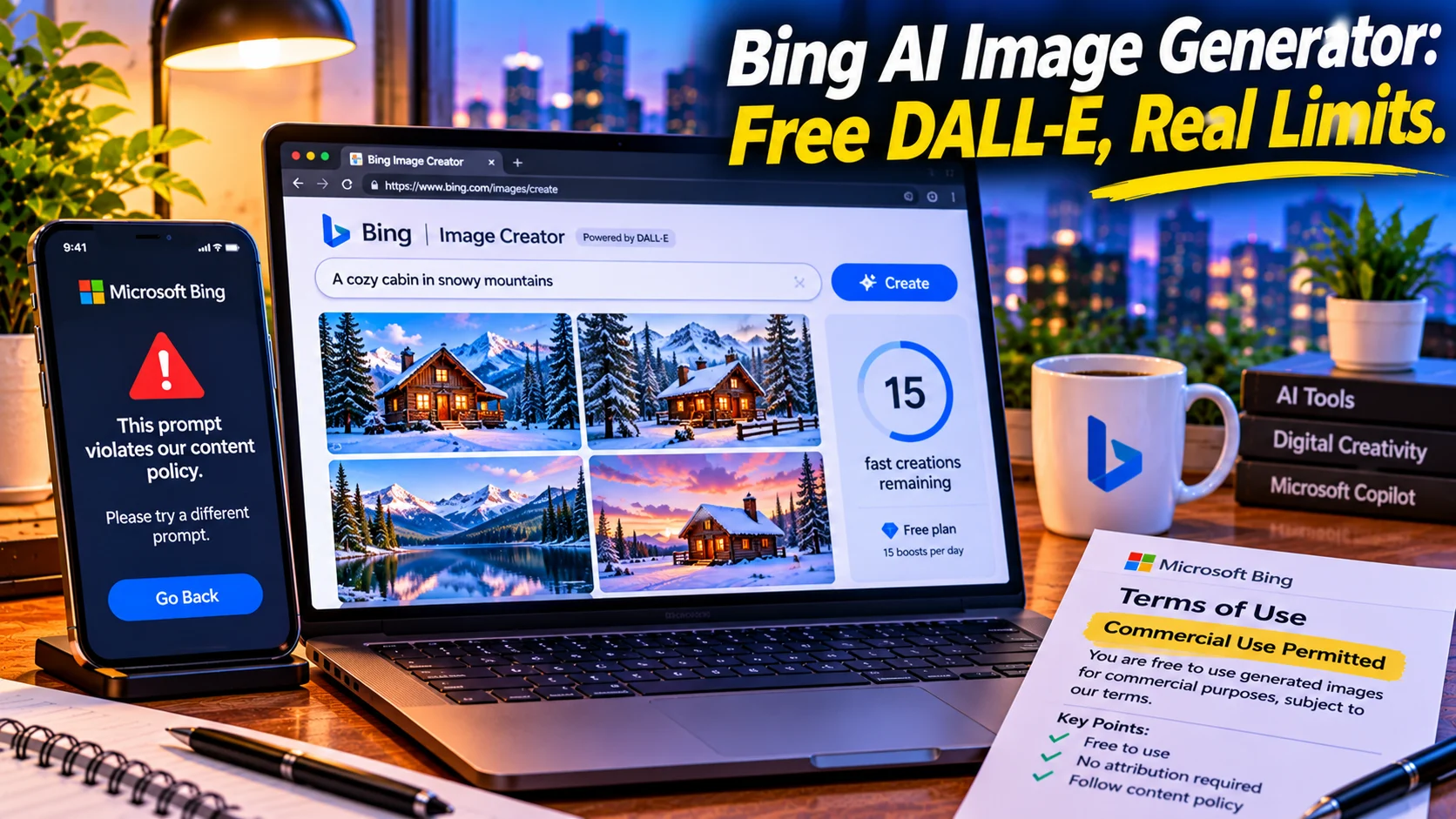
Bing’s AI image generator (Bing Image Creator) provides free access to DALL-E 3 with 15 fast generations daily and unlimited standard-speed generations. You can input up to 200 prompts per 24 hours, images download without watermarks, and Microsoft no longer claims ownership of your creations, though commercial use requires caution and verification of third-party rights.
At-a-Glance: Key Takeaways
- 15 free fast generations daily, replenishing each day, plus unlimited standard-speed generations if you can tolerate waiting .
- 200 prompt limit per 24 hours, including “Edit image” clicks, which resets daily .
- DALL-E 3 and GPT-4o models power the generator, with the same 1024×1024 resolution and quality as paid DALL-E users .
- No watermarks are added to downloaded images, and Microsoft does not claim ownership of your creations .
- Content filters are aggressive, blocking prompts involving real people, body parts, violence, and even tangentially sensitive topics .
- No API access and no editing tools like inpainting or custom aspect ratios; you get square images and a prompt box .
What Is Bing AI Image Generator?
Bing’s AI image generator, officially called Bing Image Creator, is Microsoft’s free text-to-image tool embedded in Bing, Copilot, and Microsoft Edge. It uses OpenAI’s DALL-E 3 and GPT-4o models to generate images from text prompts .
The tool sits at the intersection of accessibility and capability. Unlike Midjourney, which requires Discord and a subscription, or ChatGPT Plus, which costs $20 monthly for reliable DALL-E access, Bing Image Creator is free with a Microsoft account. That combination has made it one of the most widely used AI image tools, particularly for casual users, students, and anyone testing the waters before committing to a paid platform .
The search intent for “Bing AI image generator” is primarily informational with commercial investigation. Users want to know what they get for free, where the limits are, and whether the output is usable for their needs.
How Bing Image Creator Works
The Generation Process
The workflow is simple. Sign in with a Microsoft account, navigate to bing.com/create, enter a text prompt, and generate. The system produces four images per prompt at 1024×1024 resolution. You can download any image without a watermark .
The interface offers two speeds. Fast generation uses priority processing and is limited to 15 per day. Standard generation is unlimited but slower, suitable if you are willing to wait .
The Prompt Limit
Beyond the 15 fast generations, there is a hard cap of 200 prompts per 24-hour period. This limit includes every time you click “Edit image,” not just new generations. The count resets daily .
The distinction matters. A user experimenting with prompts might hit 200 interactions faster than expected, particularly if they iterate on images.
Model Selection
Bing Image Creator allows you to select between two models: DALL-E 3 and GPT-4o. Both are OpenAI models, and the choice affects output style. DALL-E 3 tends toward more literal, photorealistic interpretations. GPT-4o may handle certain prompts differently .
What You Actually Get for Free
The Free Tier Explained
The free tier is genuinely usable. You are not downgraded to a weaker model or lower resolution. The images you download are the same quality as those generated by paid DALL-E 3 users .
Completely free features:
- Unlimited image generation at standard speed
- 15 fast generations daily, replenishing each day
- Full DALL-E 3 quality at 1024×1024 resolution
- Download without watermarks
- Multiple access points: web, Copilot, Bing mobile app, Edge sidebar
- Image history saved to your Microsoft account
What you don’t get:
- API access for programmatic generation
- Editing tools like inpainting, outpainting, or image-to-image variations
- Custom aspect ratios (fixed at square 1024×1024)
- Relaxed content filters
The Content Filter Reality
Bing Image Creator has the most aggressive content moderation of any major AI image generator. This is the limitation users hit most frequently, and it is stricter than what you would experience with DALL-E via the OpenAI API or with Midjourney .
What Gets Blocked
The filters look at the text prompt itself, not the user’s intent. Prompts involving real people (celebrities, politicians, public figures), violence, weapons, adult content, and even some tangentially related topics are blocked. The system occasionally blocks perfectly innocent prompts, a known frustration in the community .
One documented case involved a prompt about muddy sneakers in a garden being blocked because it referenced “legs” or “feet.” The filter is automatic and can be overly sensitive to body parts even when the person is not fully visible .
If a prompt is repeatedly flagged or similar prompts keep violating policy, Microsoft may temporarily suspend access to the image-generation feature. Suspensions can be appealed through the interface .
The Practical Implication
If your creative work involves any edge cases, you will hit walls. The filter is designed for safety, and it errs on the side of blocking. For professional work requiring specific imagery, Bing Image Creator is not the right tool. The OpenAI API or a platform with clearer moderation policies is safer.
Commercial Use and Rights
This is where the guidance gets murky, and the distinction between what Microsoft says and what is actually safe matters.
What Microsoft Says
Microsoft does not claim ownership of prompts or creations. The current terms state that you are responsible for how you use the image, and Microsoft does not guarantee that generated content will not infringe someone else’s rights .
Microsoft removed the non-commercial restriction from its terms in August 2024. Community answers and Microsoft Q&A responses confirm that commercial use is now permitted without purchasing a license, provided you use the images legally and respect third-party rights .
What This Means in Practice
You can use Bing-generated images commercially. But you bear the risk. If the image accidentally resembles a copyrighted character, a brand logo, or a real person’s likeness, you are responsible, not Microsoft.
The safest approach for commercial work is to verify that the final image does not resemble any known character, logo, celebrity, or existing artwork. Microsoft’s terms explicitly warn against this .
Important caveat: Microsoft Designer, a related product that also uses DALL-E, has a current official FAQ that licenses the consumer product for personal, non-commercial use. The Bing Image Creator terms are separate, but the overlap causes confusion. Verify the specific terms for the tool you are using before commercial deployment .
Privacy and Data Handling
Bing Image Creator processes prompts and uploaded images on Microsoft’s servers. The privacy implications are documented but worth understanding.
Image retention: Uploaded images are stored for up to 30 days if a face is detected. Images without detected faces may be stored for up to 18 months. Generated creations are stored for up to 90 days .
Training use: Microsoft states it may use uploaded images to generally improve its image processing services, but does not use them to train models or personalize your experience. It does not attempt to identify faces in uploaded images .
Biometric data: If you upload an image with a face, Bing Image Creator processes biometric data solely to respond to your request. In some regions, you must provide consent .
Deletion: You cannot delete uploaded images, but you can delete generated creations and your Bing Image Creator profile and history .
Important distinction: No SOC 2 certification or Zero Data Retention guarantee is referenced for Bing Image Creator. It is a consumer product, not enterprise infrastructure.
Bing Image Creator vs. Alternatives
Editorial interpretation: Bing Image Creator’s advantage is free access to a top-tier model. Its disadvantage is the strictest content filter and the most limited editing tools. For casual use, realistic scenes, and educational diagrams, it is excellent. For professional work requiring specific imagery or iteration, it is frustrating.
Who Should Use Bing Image Creator
Casual users and students should use Bing Image Creator for free access to DALL-E 3 quality. The 15 daily fast generations are sufficient for personal projects, and the unlimited slow mode covers heavier use .
Users creating realistic scenes or product mockups will find DALL-E 3’s literal interpretation of prompts useful. It follows instructions faithfully, even if it lacks Midjourney’s artistic flair .
Anyone needing specific or sensitive imagery should look elsewhere. The content filters block too many legitimate prompts for professional work .
Developers needing API access cannot use Bing Image Creator. There is no API. The OpenAI API is the correct path for programmatic generation .
Commercial users can use Bing output, but must verify third-party rights and accept the risk that Microsoft does not indemnify .
Common Mistakes and Cautions
Assuming “free” means unlimited fast generation. You get 15 fast generations daily. Beyond that, you wait for standard speed or spend Microsoft Rewards points .
Ignoring the 200-prompt limit. The cap includes “Edit image” clicks, not just new generations. Iterating on a prompt consumes the allowance .
Expecting editing tools. Bing Image Creator has no inpainting, outpainting, or custom aspect ratios. It generates square images from prompts. That is the entire feature set .
Using commercial output without verification. Microsoft does not guarantee that generated images will not infringe third-party rights. If the image resembles a brand or character, you bear the risk .
Forgetting the content filter. Prompts that work in other tools may be blocked. Rewording to avoid body parts, real people, or sensitive topics often helps .
Frequently Asked Questions
Is Bing AI image generator really free?
Yes. You get 15 fast generations daily, replenishing each day, plus unlimited standard-speed generations. The 200-prompt daily limit applies to all interactions, including “Edit image” clicks .
Can I use Bing-generated images commercially?
Microsoft no longer restricts commercial use in its terms and does not claim ownership of your creations. However, Microsoft does not guarantee the images are free from third-party rights, and you are responsible for verifying that the output does not infringe copyright, trademark, or likeness rights .
Why does Bing Image Creator block my prompts?
Bing has the strictest content filters of major AI image generators. Prompts involving real people, body parts, violence, or sensitive topics are blocked automatically. The filter looks at the text prompt, not your intent, and occasionally blocks innocent prompts .
Does Bing Image Creator add watermarks?
No. Downloaded images do not carry watermarks . Microsoft offers an optional visible watermark setting if you want to identify AI-generated images .
Can I use Bing Image Creator for commercial client work?
You can, but with caution. Microsoft permits commercial use but does not indemnify you. Verify that the image does not resemble any known character, logo, or person. For client work requiring legal safety, Adobe Firefly’s IP indemnification is a safer choice.
Conclusion
Bing’s AI image generator offers the most accessible path to DALL-E 3 quality. The free tier is genuinely generous: 15 fast generations daily, unlimited standard-speed output, and no watermarks on downloads. For casual users, students, and anyone testing AI image generation, it is the obvious starting point .